Top 11 SAAS Examples You Need to Know in 2023
Share to:





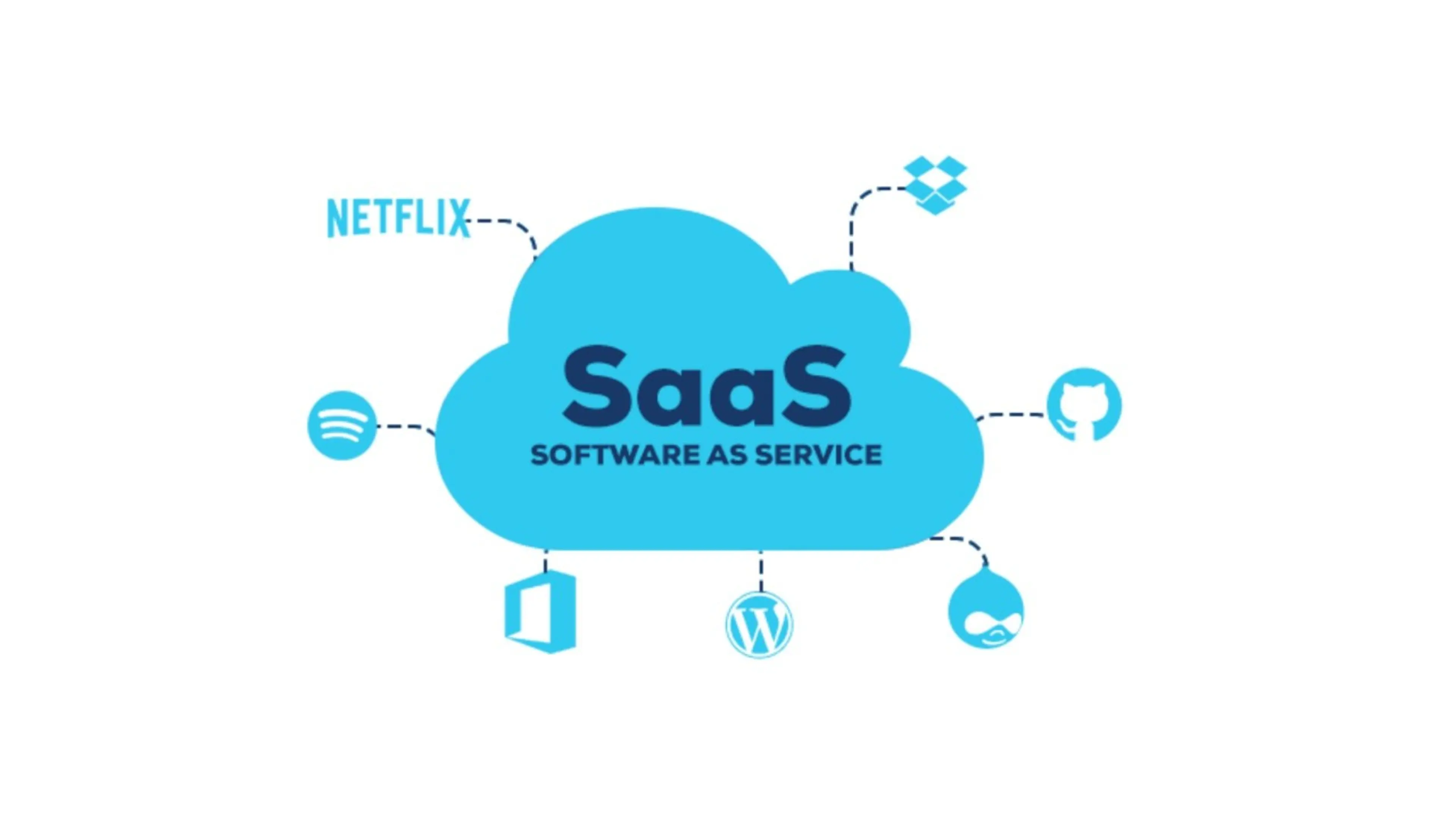
Software as a Service, or SaaS, is a program delivery model in which a third-party provider hosts software apps and makes them accessible to customers online on a subscription basis.
Saas is all the rave these days, especially since the platform provides businesses with great agility and cost-effectiveness, making it a very reliable choice for many company models and sectors.
In addition, it is easy to use and offers ubiquitous connectivity for all its users. However, navigating the SaaS industry can sometimes be strenuous since many exist.
Hence, we have compiled this detailed guide of the top 11 SaaS examples you need to know in 2023.
This list explains the 11 best SaaS companies, what each tool is used for, their features, and why they are the best of the numerous SaaS examples.
Read: 11 Best HRM Software in 2023
Top 11 SAAS Examples You Need to Know in 2023
Before we get to the best SaaS examples in 2023, you must know that there are three major types of SaaS solutions. These are vertical, horizontal, and hybrid SaaS solutions.
The categories differ in terms of scaling possibilities, the niche they are aimed at, the resources required to create an MVP of that type, the need for mobile apps, the time it takes to develop software, the SaaS business platform, and more.
The horizontal SaaS model is a business structure that enables companies to reach a broad and generalised customer group. Large corporations like Microsoft and Salesforce that provide various SaaS applications and services own these businesses.
Vertical SaaS serves a particular market, so its customer base is small and expanding slowly while Hybrid SaaS simultaneously provides solutions for a wide range of audiences while catering to a specific customer group. It is the most versatile SaaS option because a particular geography or end-user demographic does not constrain the company owner.
All things considered, the SaaS you choose will depend on your business sector and intended use. The best SaaS applications from each sector are presented in the list below:
1. Google Workspace
Google Workspace, formerly called “G Suite”, is an excellent SaaS platform for collaboration, productivity and communication. Every productivity tool you are familiar with and enjoy is available in Google Workspace, including Gmail, Calendar, Drive, Docs, Sheets, Slides, Meet, and many more.
These Google products have rapidly risen to the top of the list of the most popular collaboration and communication SaaS tools on the market. It provides limitless storage space at high speeds for all your files and is entirely free to use.
Category/ Use: Productivity, Communication, and Collaboration.
Features
- Share and store data online.
- Collaborate without delay
- Secure your data and devices
- Usage-based pricing
Pros
- Convenience
- Effortless collaboration and sharing
- Variety of apps
- It is free
- Unlimited cloud storage
Cons
- Users need to pay a fee for upgrades or more features
2. Slack
Slack is one of the top businesses and a cloud-based workplace communication platform that revolutionises how businesses interact by centralising team communication and enabling quick information sharing in real-time. It is a game-changer in today's collaborative workspace and one of the top SaaS companies.
Category/ Use: Internal Communication, Collaboration
Features
- File exchange
- App integrations
- File exchange
- Audio and video conferencing features built-in @mentions
- Public and private channels
- Mobile access
Pros
- Easy sharing of files
- All content in Slack channels can be easily searched
- Audio and video conferencing features built-in @mentions
- Online Status
Cons
- It can be difficult to keep up with notifications.
- Messages can easily become disorganised.
- Context change happens naturally.
3. Hubspot
HubSpot serves as a platform for CRM, sales, and marketing tools. It includes free customer support tools, email marketing software, social media management, inbound marketing automation, and CRM software for your sales teams.
Hubspot is simple to use, and you can even use it as a content management system (CMS) to create your website.
Features
- Marketing metrics and reporting
- CRM with extensive contact data
- Dashboards for email statistics
- CRM database
Category/ Use: Email marketing and Marketing automation
Pros
- Free CRM software
- Excellent User-friendly Interface
- Integrated software for marketing, sales, and client service
Cons
- Templates can be challenging to modify
- Features are limited based on payment plans
4. Salesforce
Salesforce is a provider of cloud-based software that allows companies to handle marketing campaigns, sales operations, and customer data in real-time.
It is a strong and adaptable CRM platform that provides a variety of integrations with third-party programs and services.
Salesforce offers SaaS, IaaS, and PaaS services while helping businesses to manage their leads easily, gain more understanding of their target market, and remain in touch with them throughout the customer journey.
Features
- Forecast and pipeline control
- Customer segmentation
- Customer support and data management
- Automated processes
- Administration of accounts and contacts
- Reports and dashboards
- Usage-based pricing
Category/ Use: Customer Relationship Management (CRM) and marketing automation
Pros
- Enhanced team collaboration
- Effortless account planning
- Improved time management
- Flexible data reporting
- Easy customisation of data
Cons
- The best use of the software requires purchasing add-ons.
- It takes a lot of time and effort to configure and set up.
5. Buffer
Buffer is a social media management tool designed to help small companies with brand development, customer engagement on social media, and organic audience growth.
Category/ Use: Social media management, collaboration
Features
- Multiple-channel marketing
- Plan Social Media Posts for Several Networks
- In-depth analytics, reporting, and data collection
- Calendar view
- Team collaboration
- User-friendly interface
Pros
- Easy-to-use
- Photo Editor feature
Cons
- It is expensive
- Additional tools are required
6. Docu Sign
DocuSign is a cloud-based digital signature platform that allows businesses to convert every agreement into an electronic signature, speeding up the process tenfold. It does this by replacing the conventional method of signing paper papers.
This SaaS example has changed how people create, sign, implement, and handle agreements.
Features
- Integration of cloud files
- Conversion of PDF forms
- Standard and custom tags and fields
- PowerForms
- Comments
Category/ Use: Digital signature software
Pros
- Multiple file types are supported
- Ease of use
- Time-saving
Cons
- It may be costly
7. Zendesk
Zendesk is a SaaS platform that gives businesses which need help scaling and streamlining, their customer support department a scalable choice.
It is ideal for small- to medium-sized businesses looking to offer top-notch customer service without spending a fortune to employ new staff.
Features
- Multi-channel and multi-lingual facilities
- Custom views
- SLA management
- IT ticketing solution
- Pre-built reporting and analytics dashboard
- Live chat support
- Usage-based pricing
Category/ Use: Customer service or Customer Relationship Management (CRM)
Pros
- User-friendly interface
- Simple automation
- Easy customisation
Cons
- Volume limitations in messaging
8. Google Analytics
Google Analytics is an excellent SaaS platform for performance evaluation and audience research. It is a freemium web analytics service that gives you access to tools for data analysis for your company in one location. For example, with Google Analytics, you can track website traffic metrics in real-time, classify all visitors by traffic type, and even divide them into groups based on their national origin.
Features
- Data collection and analysis
- Website traffic metrics
- Customer segmentation
- Conversion tracking
- Track online traffic
- Realtime page views
Category/ Use: Productivity, Communication, and Collaboration.
Pros
- Enhance SEO and content marketing efforts
- Improve advertising campaigns
- Better data report customisation
Cons
- It can be time-consuming
- It provides an enormous amount of information that can overwhelm a user.
9. Figma
Figma is a cloud-based SaaS design software that offers several features that aid teams in managing, creating, and sharing designs in real-time.
It can be used for various visual design tasks, including wireframing websites, creating user interfaces for mobile apps, generating design prototypes, making social media posts, and everything in between.
Working with this saas software makes your design process simple, enjoyable, and very effective. For instance, with Figma, a design lead only needs to access a shared file to see what the team is designing in real-time. This feature enables the lead to step in, change direction, and prevent countless hours from being lost if a designer somehow misinterprets the design's progress.
Features
- Interaction animations
- High-fidelity prototypes
- Simple sharing
- Autosave feature
- Community files and plugin library
- Sharing design review
- Real-time project updates
Category/ Use: Design
Pros
- User-friendly interface
- All-in-one design tool
- Quick and easy file sharing
- Real-time collaboration
Cons
- It can only be accessed with the internet
- Subscription-based pricing
10. Mailchimp
Growing your audience and profits with this all-in-one marketing platform, MailChimp is a fantastic SaaS example of an email marketing and lead management software provider.
For instance, users can build landing pages, develop targeted ad campaigns, send marketing emails, schedule messages, sell online, and use Mail Chimp to facilitate reporting and analytics.
Features
- Multiple-channel promotion
- Automated scheduling
- Lead capture and nurturing
- Behavioural targeting
- Customer journey mapping
- Value-based model
Category/ Use: Lead management and email marketing software
Pros
- Simple marketing automation
- It is free
- Customisable templates
- User-friendly
Cons
- Limited features for the free plan
- It can be time-consuming
11. Hivedeck
Hivedeck is the perfect tool to create an amazing website with little technical knowledge. It allows users to create, edit, and manage a website without the need for coding or web development knowledge.
Hivedeck features an intuitive drag-and-drop interface that makes it easy to move elements around the page and customise them to the user's preferences.
It also offers both SaaS and PaaS services.
Features
- Customisable blocks and templates
- Drag and drop page building
- Mobile responsiveness
- Blog feature
- SEO optimisation tool
- ECommerce and restaurant builder tool
- Form editor
Category/ Use: Website builder
Pros
- It saves time
- User-friendly website builder
- It is free
- Detailed analytics of website performance
- Web hosting and SEO integration
Cons
- You cannot change your template once your website is launched
- You cannot alter the basic algorithm of any code
Conclusion
These SaaS examples explained in the list above can help you achieve the goals you need for your business to thrive. They will assist you whether you are looking for new tools to increase your productivity and support your growing business or contemplating starting your own SaaS company and looking for business model inspiration.
Hence, use the above-mentioned software platforms and expert guidance to help you make the best decisions.
BLOG
Related Posts
Apr 21, 2024 · 8 min read
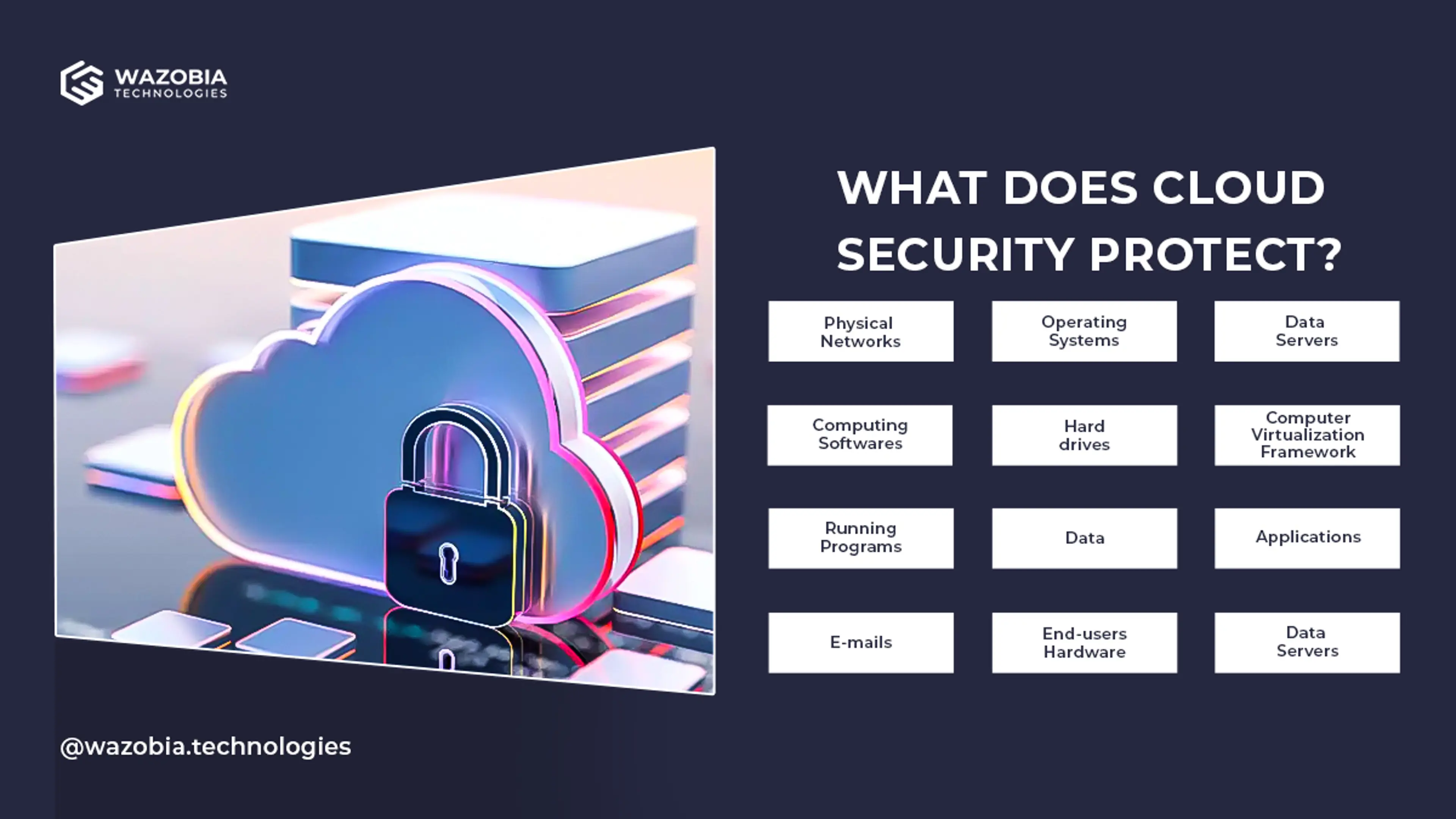
How to Protect Your Cloud: Best Practices for Cloud Security
Protecting your cloud consists of an extensive list of guidelines. We've however, compiled a list of best practices that vastly improve your cloud security.
Dec 21, 2023 · 6 min read
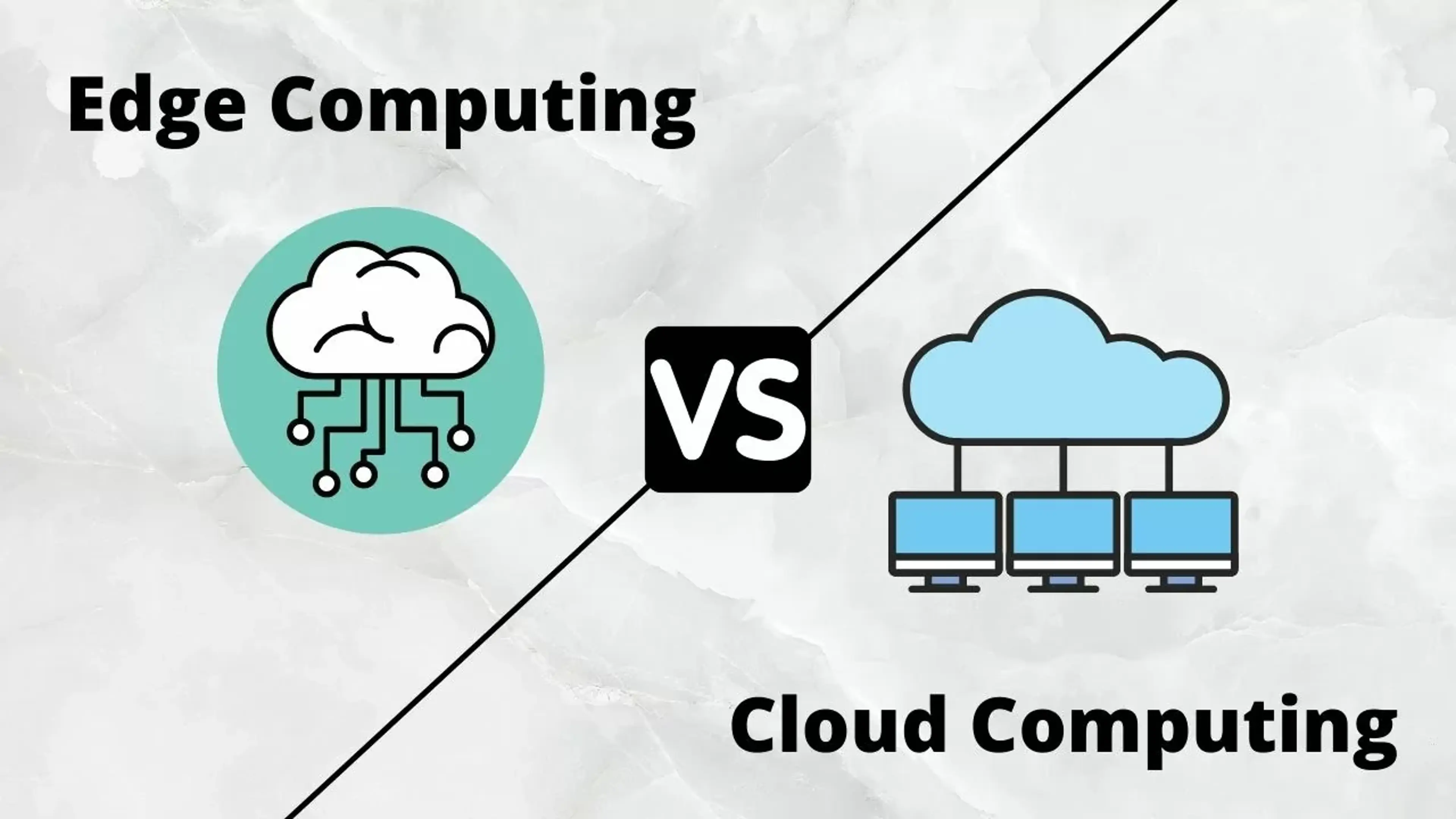
Edge vs Cloud Computing: Comparison and Differences
Discover the key differences between edge computing and cloud computing through their definitions and use cases to choose the right platform.
.jpg_mG2sxe?tr=w-3840,f-webp,q-75)
Apr 21, 2024 · 11 min read
Cloud Disaster Recovery
Cloud disaster recovery is a set of strategies and services used to back up data, applications, and other IT resources in a cloud environment.